
Pulse — Video Library and Playlists
Video library, playlists and daily workout schedule
Gyoza projectDevelopment2025ReactViteTanStack QueryZustandFormiki18nMedia Chrome
The Challenge
A fitness/content team needed an app to manage a video library, organise playlists, tag content and schedule "today's" workouts — with clear browsing and drag-and-drop ordering.
My Role
I built the frontend: video and playlist CRUD, drag-and-drop ordering (FormKit), tags management, Today view and video player integration (Media Chrome / Castable).
Key Features
Video library with upload, metadata and tagsPlaylists with drag-and-drop reorderingToday page for scheduled workoutsAuth and responsive layout with sidebar/nav
The Outcome
Content team can maintain playlists and schedule without dev involvement
Consistent playback and scheduling experience
How It Works
- 1Team uploads videos, adds metadata and tags; the library is browsable and filterable.
- 2Playlists are created and videos are reordered with drag-and-drop (e.g. FormKit).
- 3The "Today" view shows the scheduled workouts for the day; players consume this schedule.
- 4Video playback uses Media Chrome / Castable; auth controls who can manage content.
Gallery
01 / 08
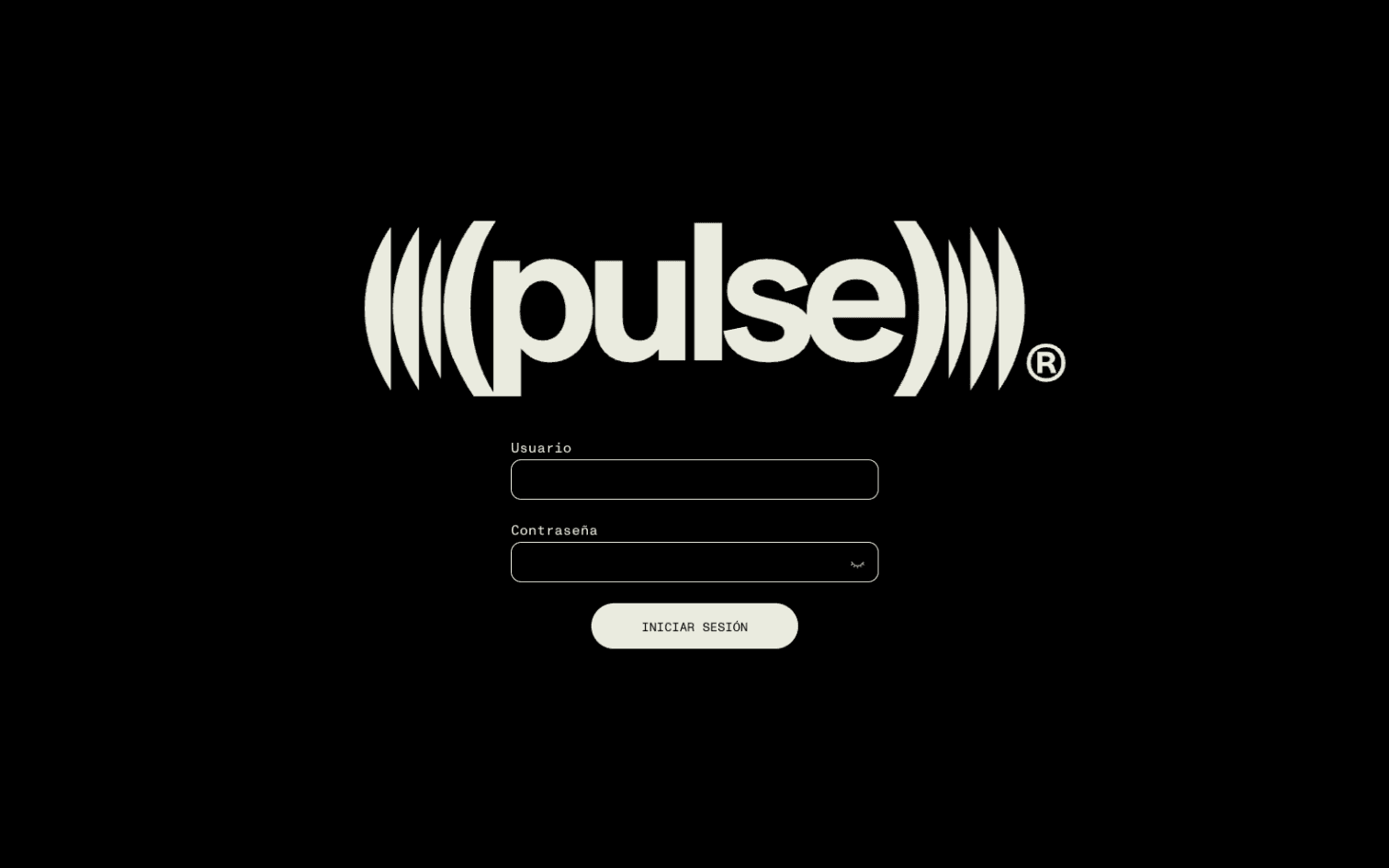
Welcome screen — desktop